 Listy
The shared grocery list that sorts itself
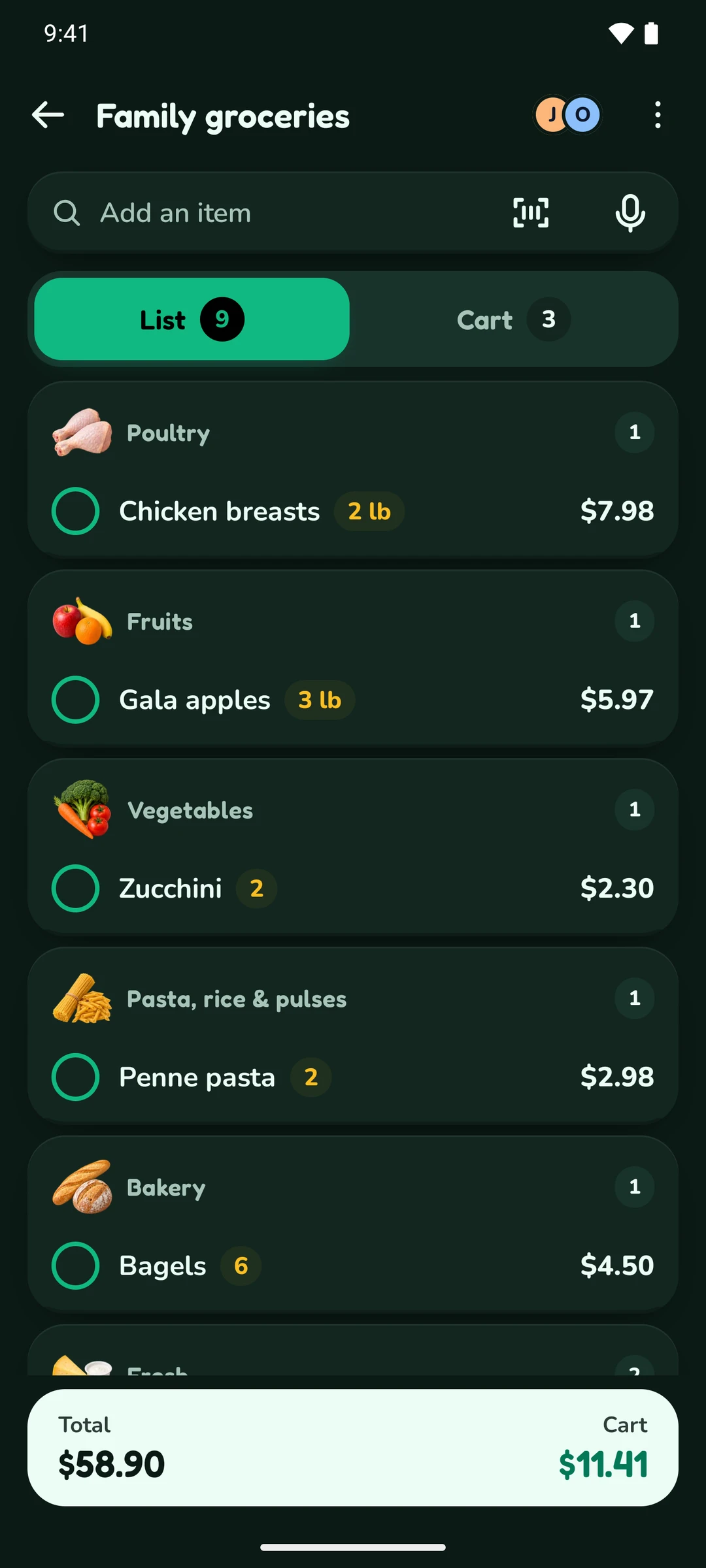
Add your items and they sort themselves by aisle. Share the list with your family through a simple link, keep your loyalty cards at hand and see the total before checkout.
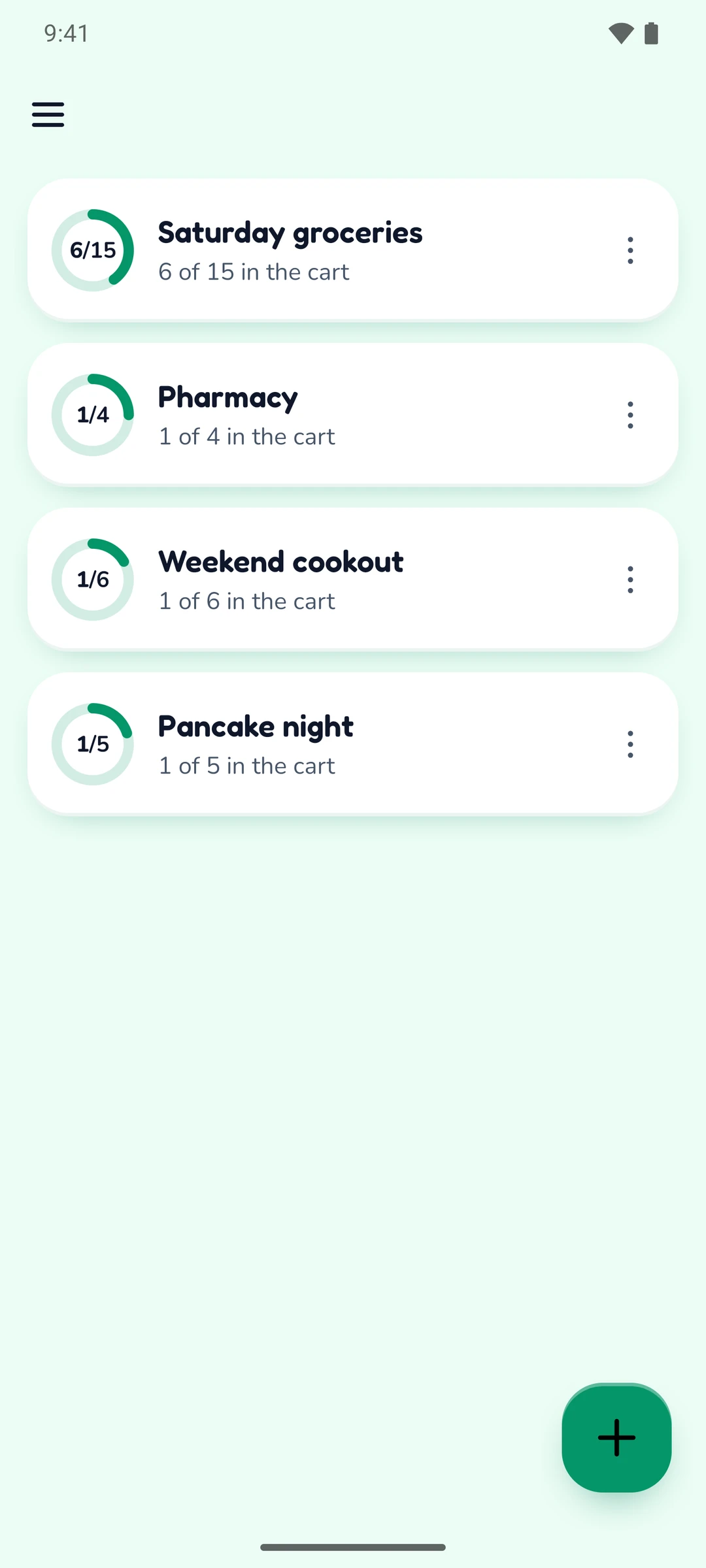
Everything for a stress-free grocery run
A simple, fast grocery list made for the supermarket.
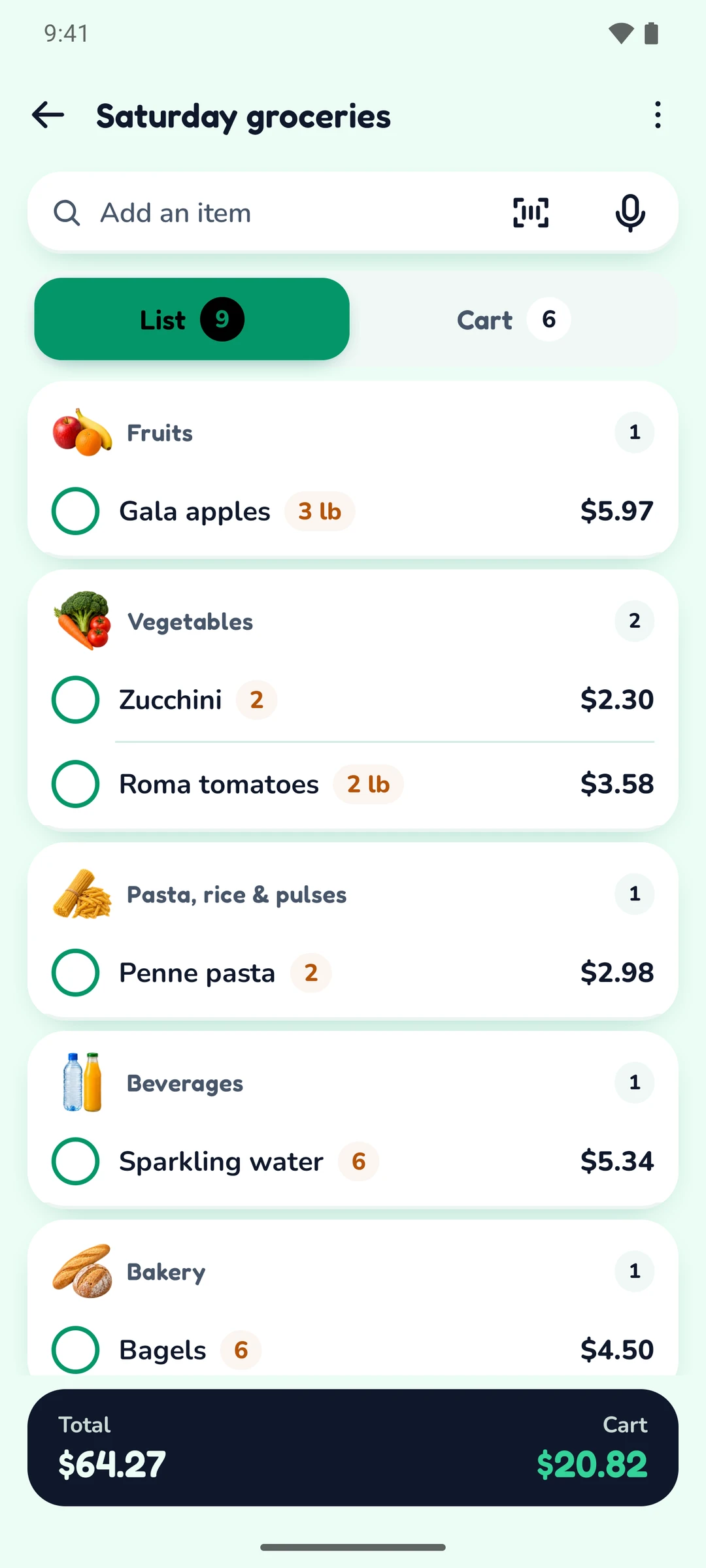
Automatic aisle sorting
Fruit, vegetables, bakery, dairy… follow one path through the store.
Voice input
Say your items out loud and they land on the list, even with your hands full.
Paste it, share it, done
Got a list by text message or WhatsApp? Every line becomes an item.
Prices and total
The list total and the cart amount add up on their own.
Loyalty cards
Scan once, then show it big at the checkout with the brightness turned up.
A warm look
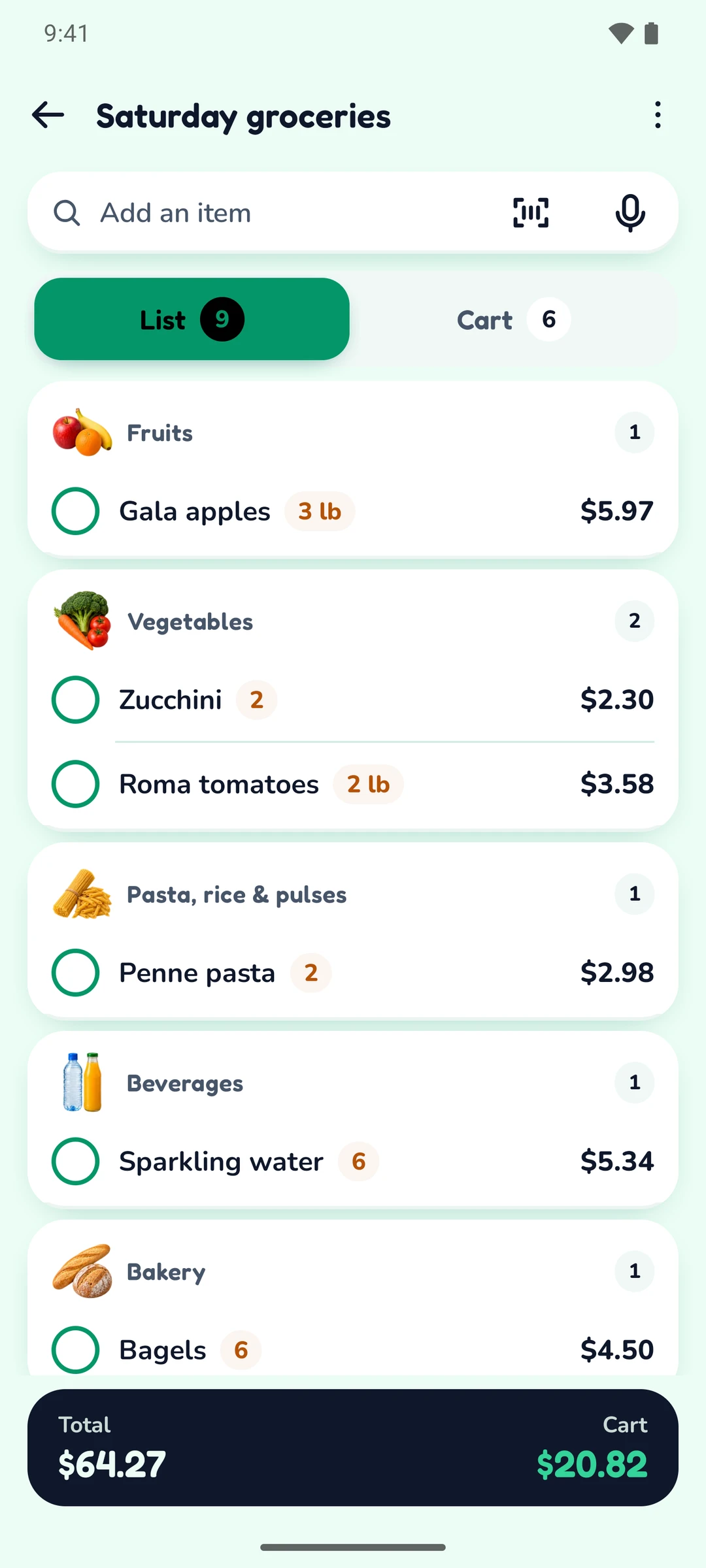
Four color themes, light and dark mode: an app you enjoy opening.
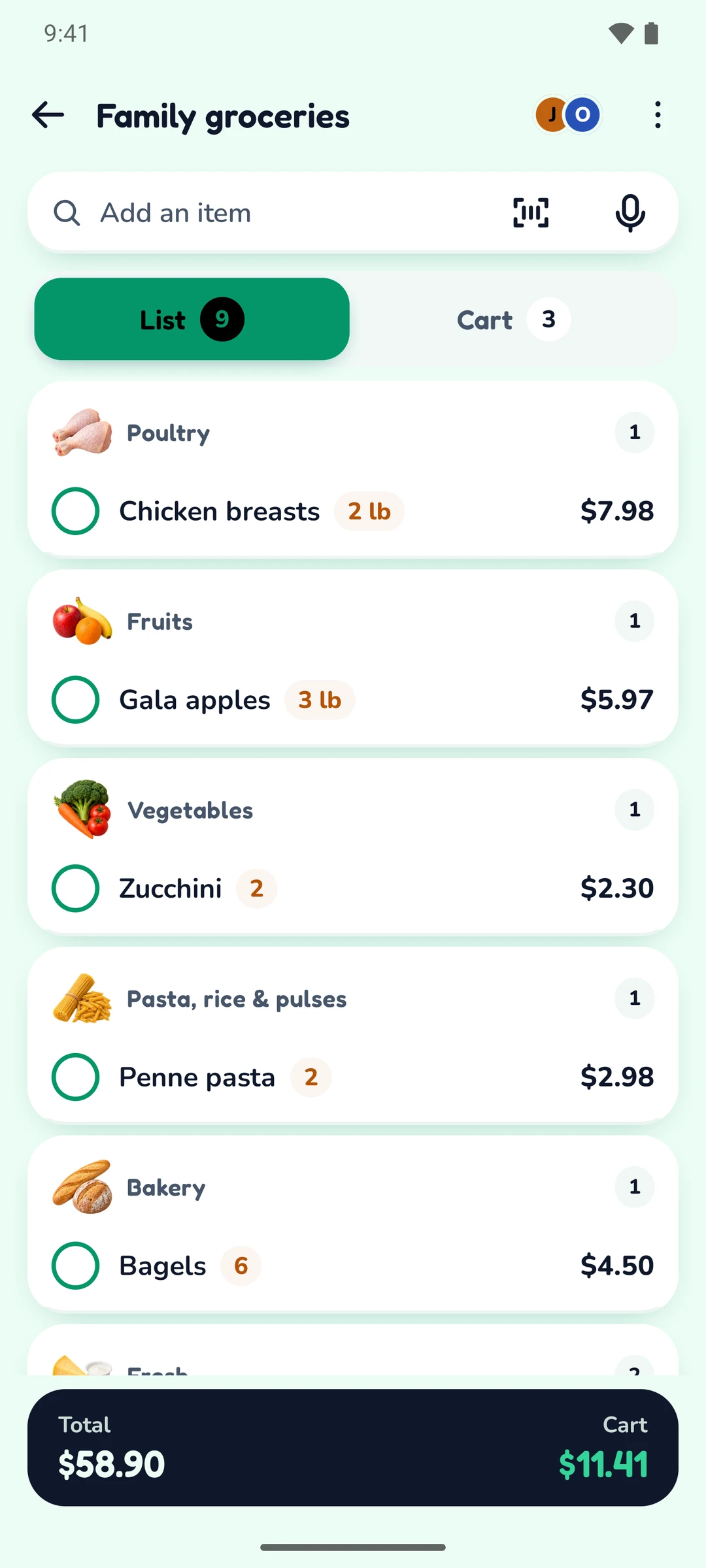
A shared grocery list for the whole family
One link is all it takes. Everyone adds and checks off items from their own phone, and everybody sees the changes.
- Your loved ones join the list, even without an account
- For couples, families or roommates
- Items added twice are combined
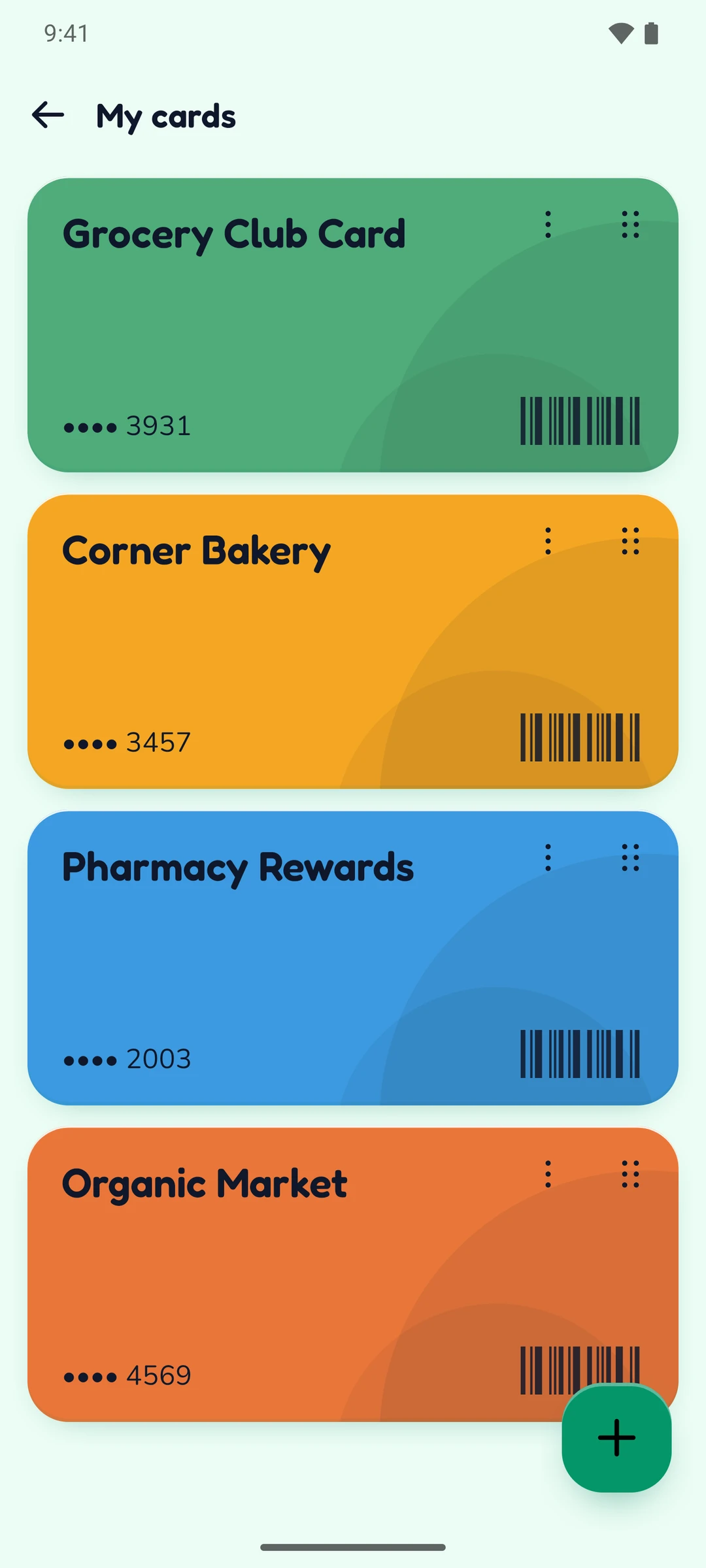
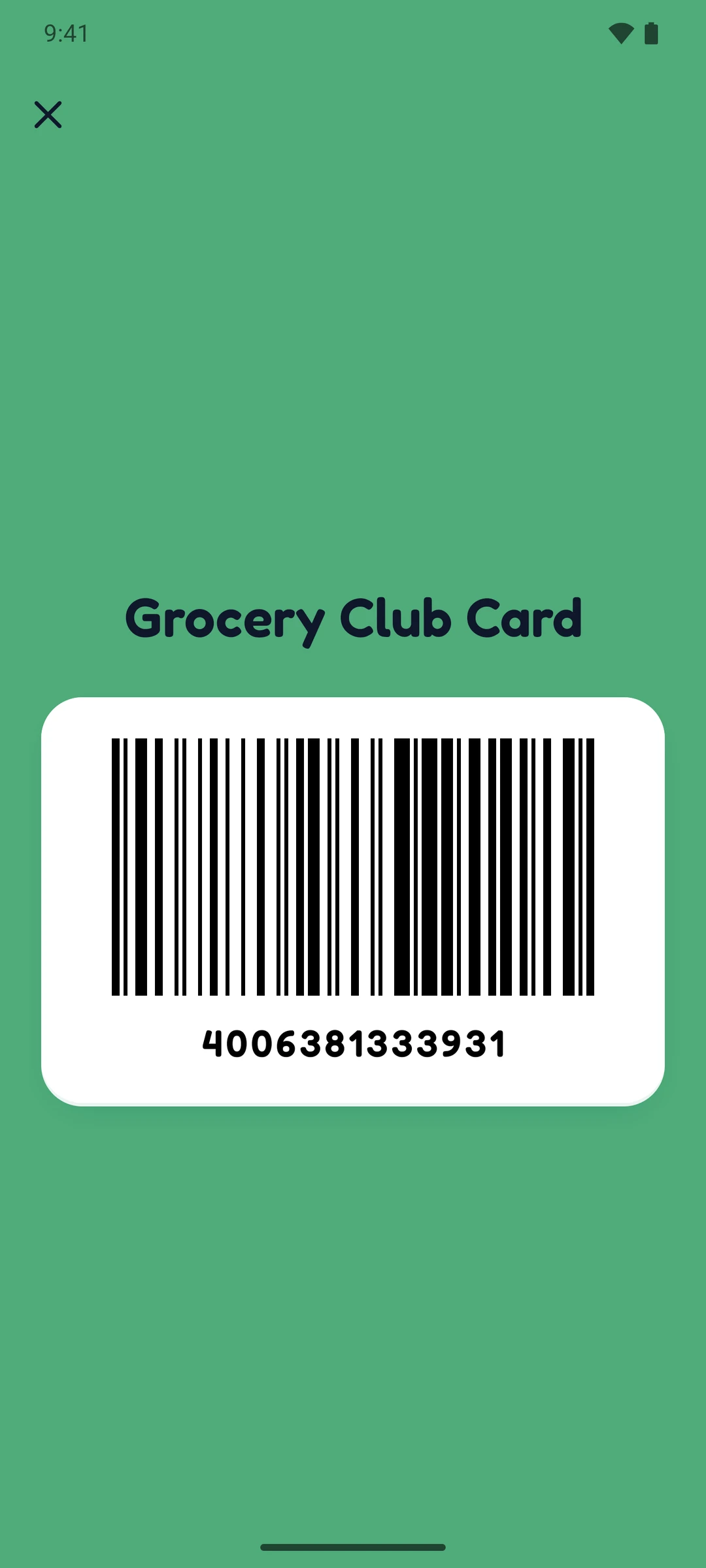
Your loyalty cards, always at hand
No more overflowing wallet. Scan the barcode once and pull it up at the checkout in one tap.
Ready in three steps
Install Listy
Free on Google Play, no account required.
Create your list
Type, dictate or paste your items: they sort themselves by aisle.
Share it and go shopping
Send the link, check items off in the store, done.
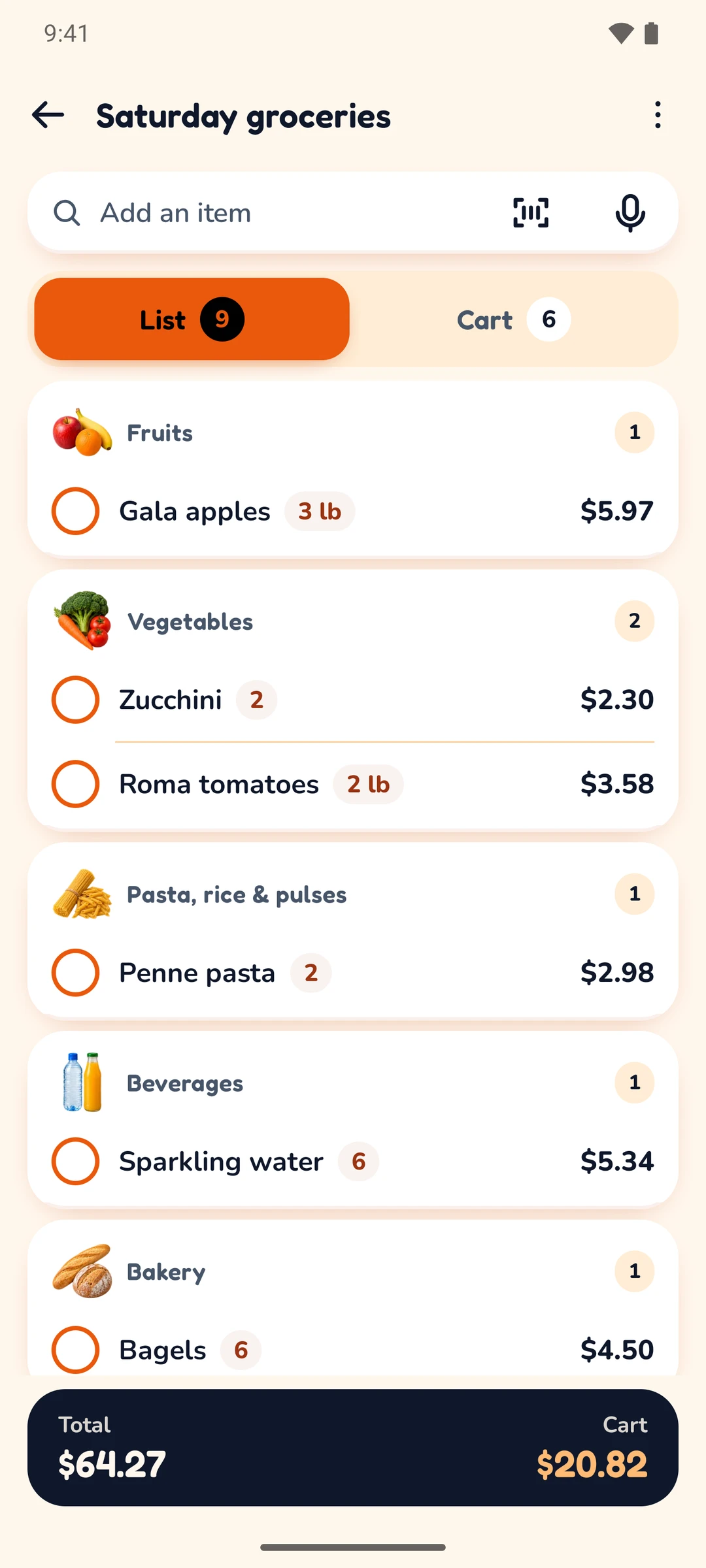
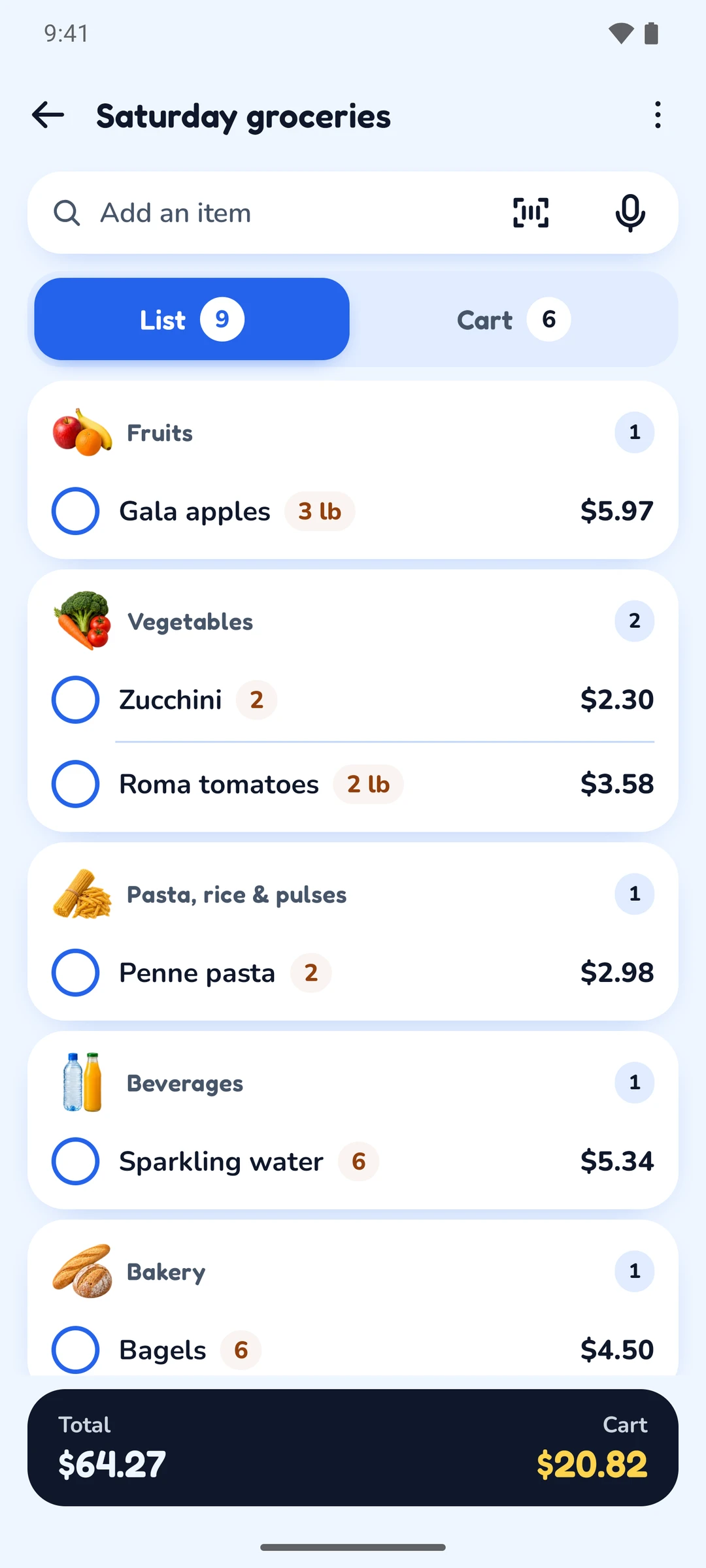
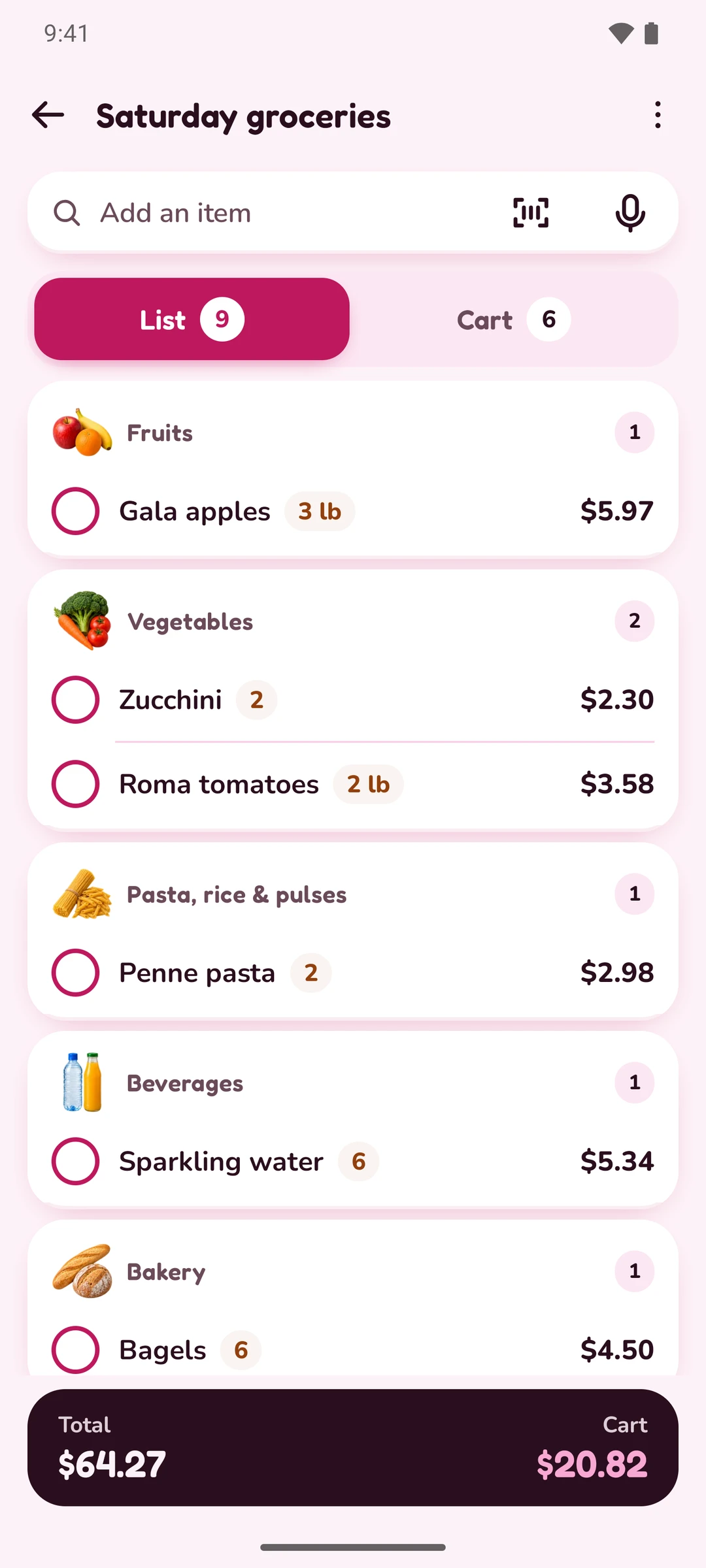
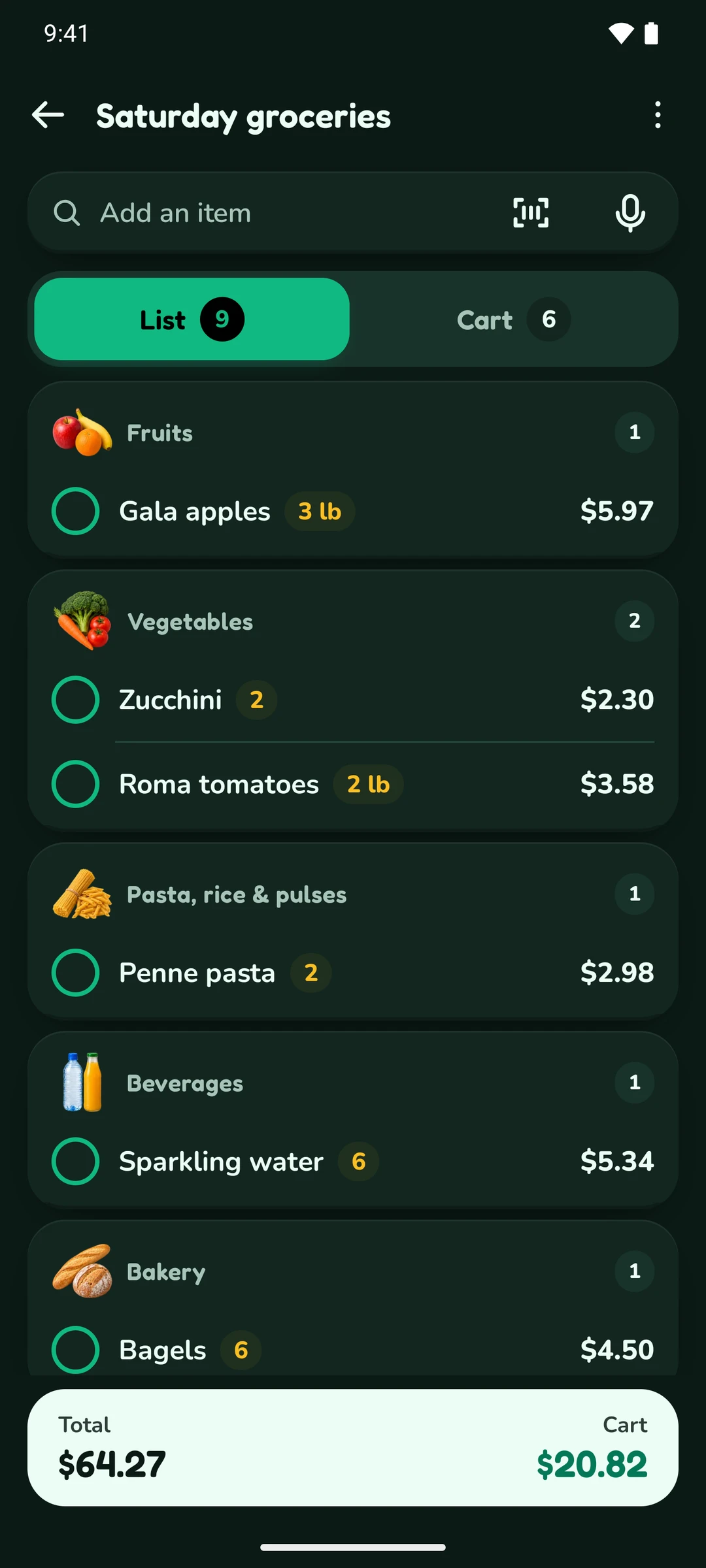
Four color themes, light or dark
Pick the mood you like: Garden, Citrus, Blueberry or Raspberry.
Frequently asked questions
Is Listy free?
Yes. You can create your lists, sort them by aisle, keep your loyalty cards and share a list with your loved ones without paying anything.
Do I need an account?
No, you can start right away. An account lets you get your lists back on another phone.
Can I use it offline?
Yes, your lists stay available in the store, even without a signal.
How do I share a grocery list?
Open the list, tap share and send the link. Your loved ones join in one tap, even without an account.
Is it available on iPhone?
Listy is available on Android for now.
Shop with peace of mind
Download Listy for free and share your first list in a minute.
Get it onGoogle Play